

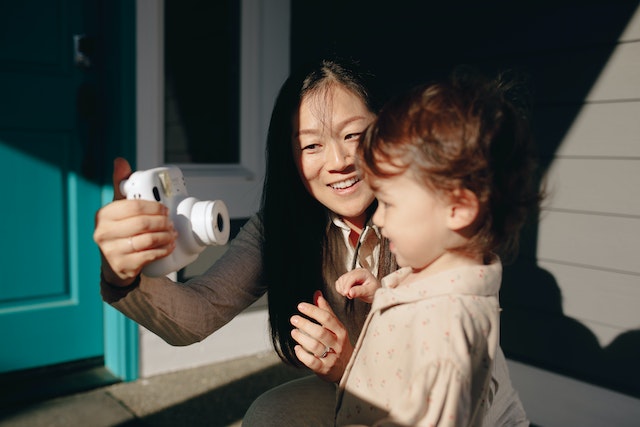
What do you need to get started?
Materials required: application form, baby’s birth certificate, 2 baby photos, one parent’s citizenship certificate/Australian passport, and driver’s license.
If one parent is already an Australian citizen, there is no need to submit the baby’s citizenship certificate.
Where can you get the application form?
The application forms are in fact available on the government website. Although if you do not want to do it online, you can also get a blank form from your local post office! And by the way, for children the form is purple!
The post office near our home said they do not allow babies to lie down for photos. If your baby is only a few months old and cannot sit up yet. You can also consider taking your infant ID photo at home.
So how to take a great infant passport photo of an infant (with your phone!)
First, lay the baby on a white bed sheet with good lighting. However, you can also use apps like Meitu to cut out the photo or to change the background colour to white. We also recently discovered an online tool called the “AI Passport Photos” which allows you to change the background to white but also scale and crop your baby’s passport photo to the size that meets the photo requirements for Australian baby passports.
Back to tip number two, you need to hold your baby still and double-tap to zoom in before taking the photo with your phone. Next, Google search “idphoto4you,” upload the photo, and adjust the distance between the forehead and chin as required.
Then take the edited photo to Officeworks and print eight glossy baby ID photos for 15 cents. We submitted the documents to the post office and received the baby’s passport two weeks later!
And don’t forget, for infants (under three years of age), a photo with an open mouth is acceptable. However, the photo still has to comply with all the other requirements including no other person or object can be visible in the photo!
Check out our latest posts
 12
Oct
12
Oct
Livvi's Place Ryde Review
 12
Oct
12
Oct
Victoria Park Kew Reviews – Playground Layered With History
 12
Oct
12
Oct